Creative fatigue kills reach
Shoppers scroll past the same polished product photos. Creator-style video keeps your products feeling new in the feed.
Made for ecommerce brands
From new arrivals to the products shoppers already love, give your catalog a story. Turn product listings and images into AI-generated, creator-style videos for launches, ads, and everyday social content.
Explore sample videos after signup. A subscription is required to generate videos.
Generated examples
Different products, hooks, and creator formats — generated for the feeds your customers already watch.
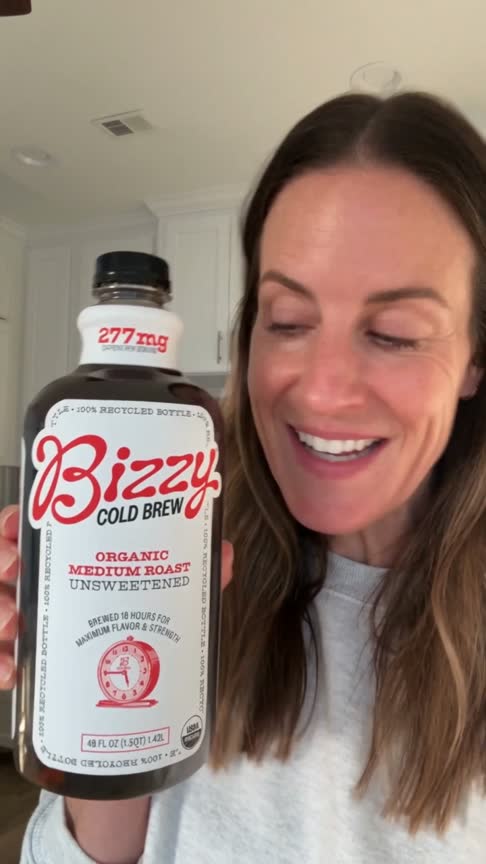 UGC Testimonial
Generated hook
277mg of smooth organic cold brew
Bizzy — Organic Cold Brew
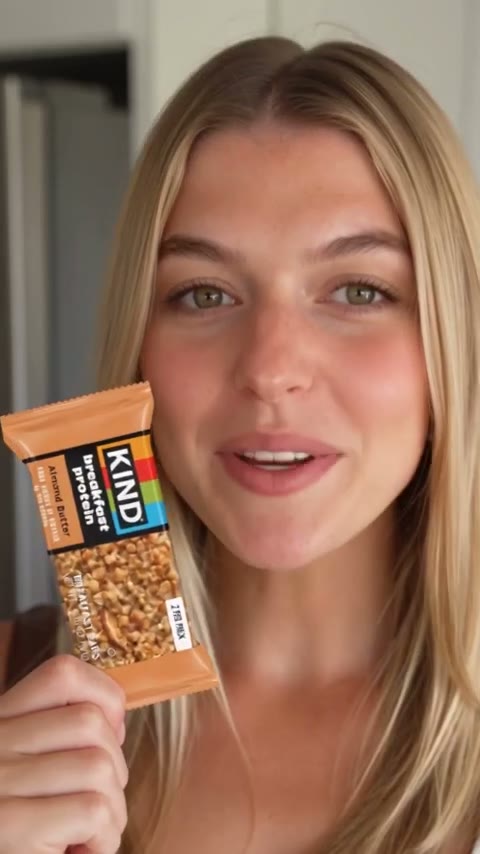 Product Demo
Generated hook
the snack that keeps up with busy days
KIND — Snack Bar
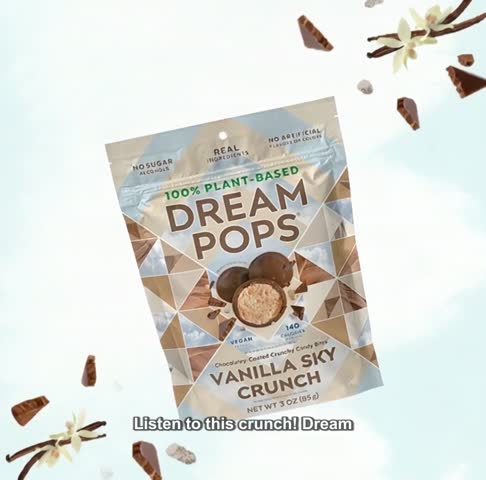 Taste Test
Generated hook
the sweet snack I keep reaching for
Dream Pops — Vanilla Sky
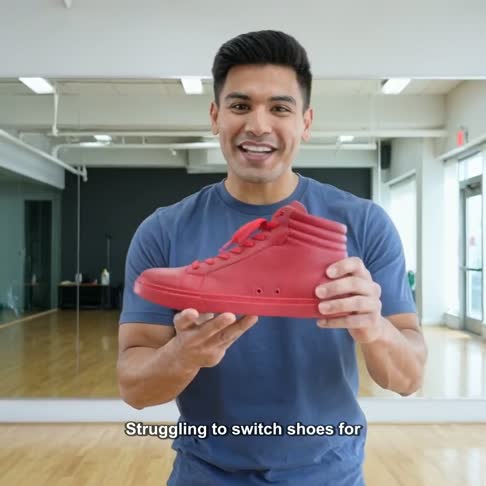 Product Demo
Generated hook
one shoe from studio to street
PONCE — Fuego High-top
 Lifestyle
Generated hook
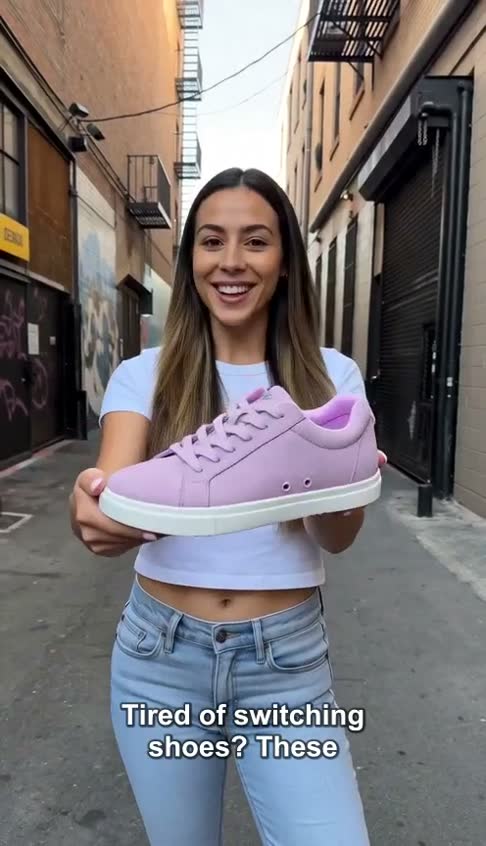
grip and style without switching shoes
PONCE — Everyday Low-top
 Lifestyle
Generated hook
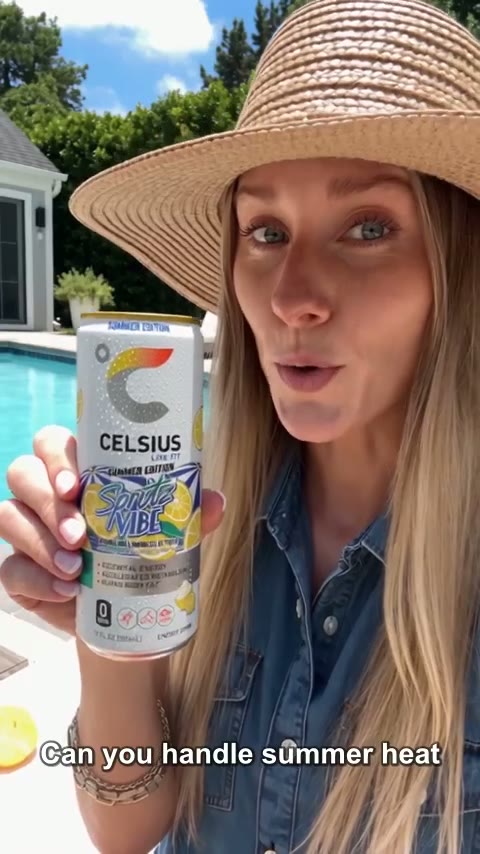
energy for the next move
CELSIUS — Energy Drink
 Problem / Solution
Generated hook
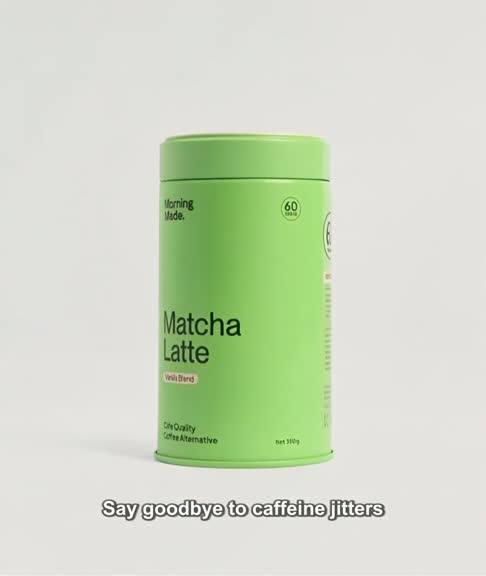
say goodbye to caffeine jitters
Matcha Latte — Daily Energy
 UGC Testimonial
Generated hook
the salty lime sip made for sunny days
Swing — Salty Lime
1
product link becomes the creative brief
8+
UGC and product video formats
4
short-form publishing destinations
All
hooks, scripts, captions, and hashtags included
AI-generated samples. No affiliation or endorsement implied.
Why Ecommerce teams switch to AI UGC
Shoppers scroll past the same polished product photos. Creator-style video keeps your products feeling new in the feed.
Briefs, negotiations, shipping products, and revision rounds can take weeks. postUGC generates a review-ready video from your product details instead.
Hero SKUs get all the attention. Turn any listing — even long-tail products — into content without a shoot.
Start with a public product listing or add your details and images manually. Choose a new arrival, a bestseller, or an item that needs a fresh introduction.
Set the audience and creative direction. Review the hook, script, and product details so the story fits your brand and the occasion.
Generate your video, check the result, and download it for your social channels. Return to the same product with another angle when you need new content.
Hooks in action
Every video starts with a hook written for your audience. Browse the examples, then generate your own.
UGC TestimonialGenerated hook
277mg of smooth organic cold brew
Bizzy — Organic Cold Brew
UGC Testimonial · TikTok
“277mg of smooth organic cold brew”
Bizzy — Organic Cold Brew
Product DemoGenerated hook
the snack that keeps up with busy days
KIND — Snack Bar
Product Demo · Reels
“the snack that keeps up with busy days”
KIND — Snack Bar
Taste TestGenerated hook
the sweet snack I keep reaching for
Dream Pops — Vanilla Sky
Taste Test · TikTok
“the sweet snack I keep reaching for”
Dream Pops — Vanilla Sky
Product DemoGenerated hook
one shoe from studio to street
PONCE — Fuego High-top
Product Demo · Reels
“one shoe from studio to street”
PONCE — Fuego High-top
LifestyleGenerated hook
energy for the next move
CELSIUS — Energy Drink
Lifestyle · TikTok
“energy for the next move”
CELSIUS — Energy Drink
Problem / SolutionGenerated hook
say goodbye to caffeine jitters
Matcha Latte — Daily Energy
Problem / Solution · TikTok
“say goodbye to caffeine jitters”
Matcha Latte — Daily Energy
Choose a clear purpose for each video, then let the hook and script carry it.
A creator shares why they love the product — the format shoppers trust most.
Show the product in action with the details buyers look for before purchasing.
Recreate the arrival moment: packaging, first impressions, and the reveal.
Open with the pain point your product solves, then show the fix.
Position your product against the old way of doing things.
Put the reason the brand exists front and center for launches and milestones.
Free hook templates
Copy a template, swap in your product, and use it as the creative direction for your next generation.
UGC (user-generated content) videos look and feel like a real customer or creator talking about your product. postUGC generates this style of video with AI from your product details, so you get creator-style content without booking creators or filming.
No. You can import from supported public product pages, including Shopify and WooCommerce, or enter the details and upload images yourself. If a store blocks automatic import, manual entry lets you continue.
Yes. Try a launch introduction, a feature-focused demo, or an answer to a shopper’s question. Change the hook and script for each version. Each generation uses credits based on your chosen settings.
Videos are vertical 9:16 and built for TikTok, Instagram Reels, Facebook Reels, and YouTube Shorts. You can download them or publish through connected social accounts.
postUGC generates AI videos with a UGC-style presentation. Your team supplies the product information and reviews the content; booking a creator or organizing a shoot is not part of the workflow.
Choose a product, gather clear product images, and decide who the video is for. Use the listing’s description as a starting point, then check that the features and details match the product you want to show.
Choose a product, give it a fresh angle, and create your brand’s next video with postUGC.
Create your account